
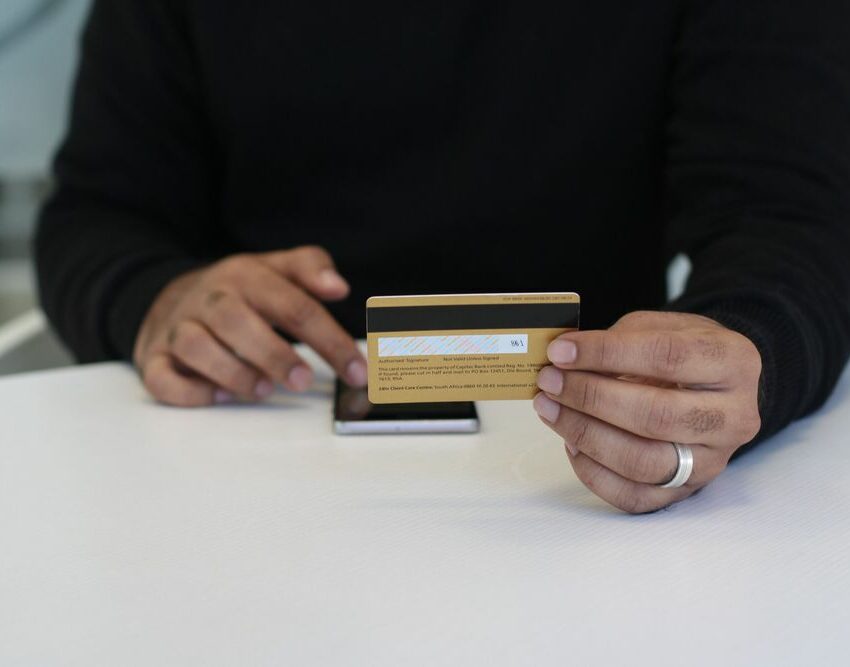
PICTURE: PEXELS/ (PHASHA)
Online banking has made managing your finances more convenient than ever, allowing you to transfer money, pay bills and monitor your accounts from almost anywhere.
Also see: What every account holder should know about their banking rights
Unfortunately, scammers have also become increasingly sophisticated, using fake messages, cloned websites and social engineering tactics to trick people into revealing sensitive information or authorising fraudulent transactions. According to the South African Banking Risk Information Centre (SABRIC), digital banking fraud remains one of the biggest threats facing consumers, making awareness one of the best forms of protection.
Be cautious of unexpected messages
One of the most common scams begins with an SMS, email or WhatsApp message claiming to be from your bank.
These messages often create a sense of urgency, warning that your account has been suspended, a payment has failed or suspicious activity has been detected. They usually include a link asking you to log in or verify your details.
SABRIC advises customers never to click on banking links received via unsolicited messages. Instead, type your bank’s website address directly into your browser or use your bank’s official mobile app.
Never share your banking credentials
Your bank will never ask you to share your password, PIN, card PIN, CVV number or one-time password (OTP) via phone, email, SMS or social media.
If someone claiming to represent your bank requests this information, it’s almost certainly a scam.
The South African Reserve Bank (SARB) encourages consumers to keep all banking credentials confidential and report any suspicious requests immediately.
Watch out for fake websites
Cybercriminals often create websites that closely resemble legitimate banking sites.
Before entering your username or password, check that the website address is correct and begins with “https://”. Also look for the padlock icon in your browser, although experts note this alone does not guarantee a website is legitimate.
The National Cybersecurity Hub recommends carefully checking website addresses for spelling errors, unusual characters or unfamiliar domain names before entering any personal information.
Enable two-factor authentication
Where available, enable two-factor authentication (2FA) or multi-factor authentication (MFA) on your banking accounts.
This adds an extra layer of security by requiring another verification step before access is granted.
According to the Cyber Security Hub, enabling multi-factor authentication significantly reduces the risk of criminals gaining unauthorised access, even if a password has been compromised.
Avoid public Wi-Fi for banking
Free public Wi-Fi networks at cafés, airports and shopping centres may not always be secure.
If possible, avoid logging into your online banking while connected to public Wi-Fi. Instead, use your mobile data or a trusted, password-protected internet connection.
Cybersecurity experts warn that unsecured networks can make it easier for criminals to intercept sensitive information.
Keep your devices updated
Software updates often contain important security patches that protect your phone, tablet and computer against newly discovered vulnerabilities.
Enable automatic updates whenever possible, and install reputable security software on your devices.
The National Cybersecurity Hub advises users to keep operating systems, browsers and banking apps updated to reduce exposure to cyber threats.
Monitor your accounts regularly
Checking your bank statements and transaction history regularly can help you identify suspicious activity before significant losses occur.
Many banks also offer instant transaction notifications that alert customers whenever money enters or leaves their accounts.
SABRIC recommends reporting any unauthorised transactions to your bank immediately, as acting quickly may help limit financial losses.
Use strong, unique passwords
Avoid using easily guessed passwords such as birthdays, names or simple number sequences.
Instead, create strong passwords using a combination of upper- and lowercase letters, numbers and special characters. It’s also important to use different passwords for different accounts.
The Federal Trade Commission recommends using a password manager to create and securely store unique passwords.
Also see: Be Aware of Banking Scams
Be wary of phone scams
Fraudsters sometimes call pretending to be bank employees, fraud investigators or law enforcement officials.
They may claim your account has been compromised and ask you to transfer money to a “safe account” or reveal confidential banking information.
SABRIC warns that legitimate banks will never instruct customers to move money to another account to prevent fraud or request their PINs or OTPs over the phone.
Report suspicious activity immediately
If you think you’ve clicked on a fraudulent link, disclosed sensitive information or noticed suspicious transactions, contact your bank immediately.
Change your banking password as soon as possible and continue monitoring your accounts for unusual activity.
The National Cybersecurity Hub also encourages South Africans to report cybercrime to the appropriate authorities to help prevent further attacks and protect other consumers.
The bottom line
Online banking offers speed and convenience, but it also requires vigilance. By avoiding suspicious links, protecting your login credentials, enabling additional security features and monitoring your accounts regularly, you can significantly reduce your chances of becoming a victim of fraud.
Remember, legitimate banks will never pressure you into making urgent decisions or ask you to share confidential banking information. When in doubt, contact your bank directly using its official customer service channels.
Also see: How to identify and steer clear of online scams
Be the first to know – Join our WhatsApp channel for content worth tapping into. Click here to join!